How to buy with Superbuy
Follow a Weidian find from this catalog to Superbuy’s official order, warehouse and shipping screens.
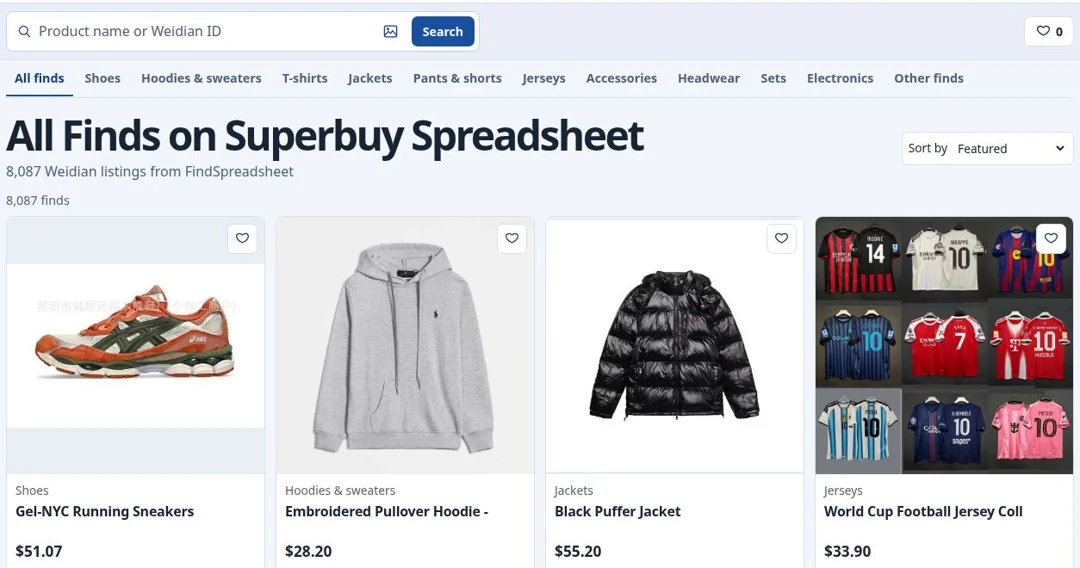
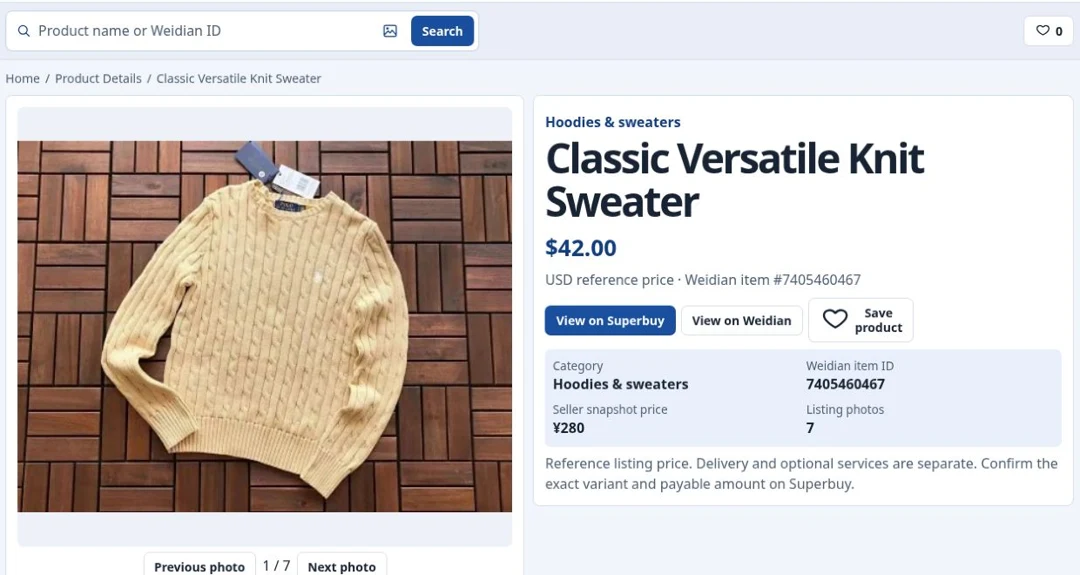
1Find the exact Weidian listing
2Choose color, size and quantity
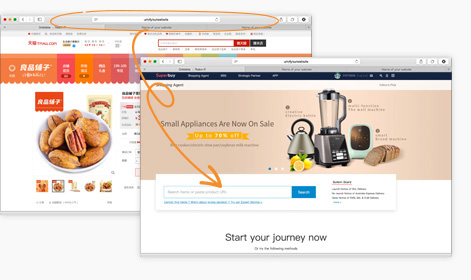
Compare the seller’s measurement chart against an item you own. Confirm color, size, version and included pieces. If Superbuy opens a manual shopping-agent form, copy the exact listing link and enter the seller’s option and quantity before checkout.
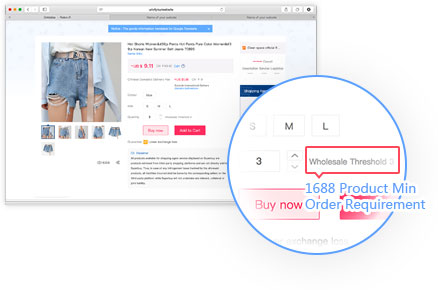 Official Superbuy reference
3Review the first payment
Review the current variant price and domestic delivery to the warehouse in China. International delivery is handled separately after the items arrive. Plan ahead with the official estimator, especially for bulky parcels.
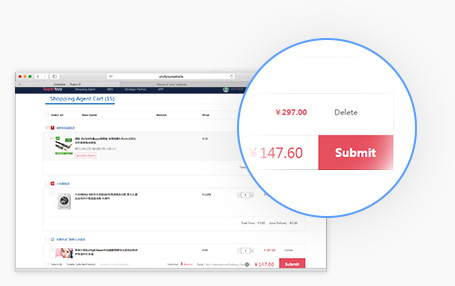 Official Superbuy reference
4Check your own warehouse photos
After intake, find the exact item in My Warehouse and review the inspection photos. Check the size tag, color, condition and included pieces. Raise a mismatch in the order or support thread while the item is still in the warehouse.
 Official Superbuy reference
5Build a parcel and compare routes
Select the ready items in My Warehouse, enter the destination, and review packing options. Compare eligible routes with packed weight and dimensions. Check restrictions for the contents and route before submitting.
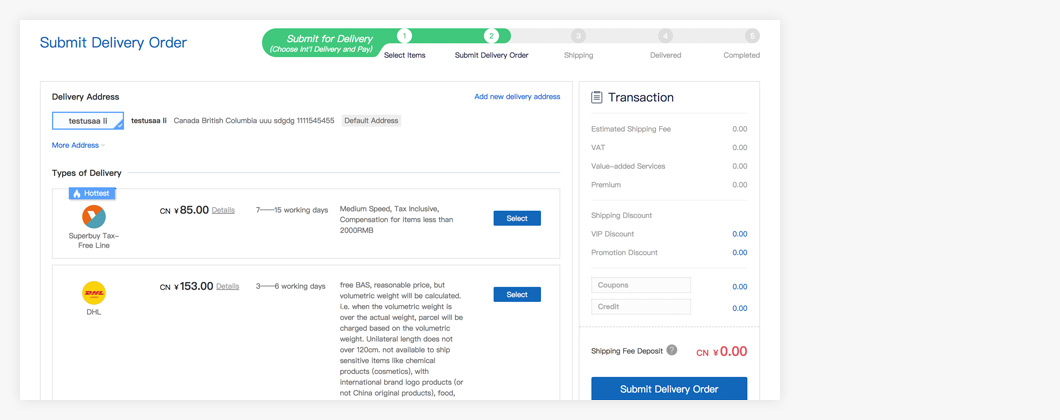 Official Superbuy reference
6Review shipping charges and track delivery
Review the shipping charge or deposit before confirming the parcel. After dispatch, use the parcel record or official tracking tool. If the contents differ when it arrives, keep the label and photos so support can identify the parcel.
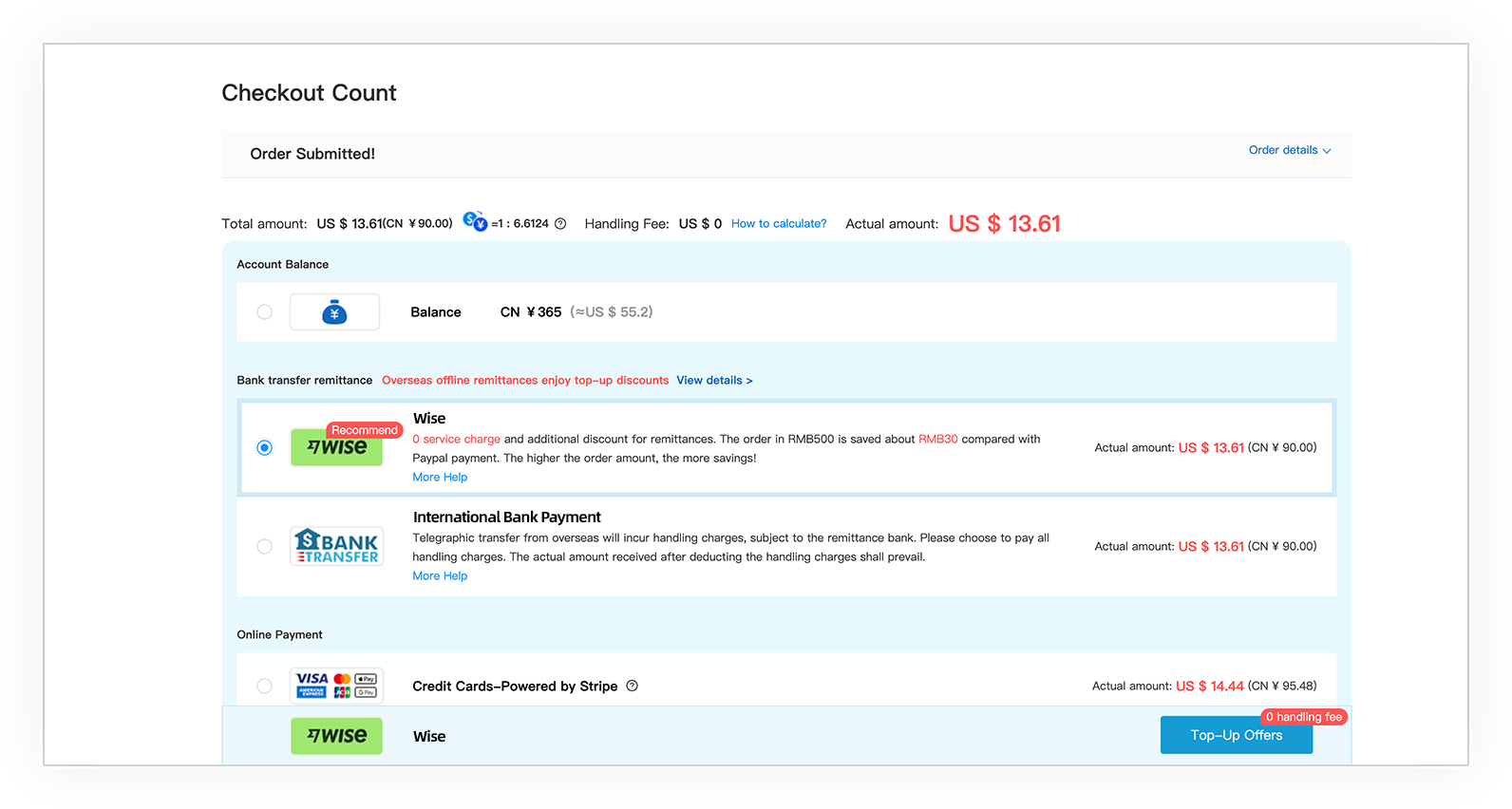 Official Superbuy reference

 Superbuy
 Official Superbuy reference